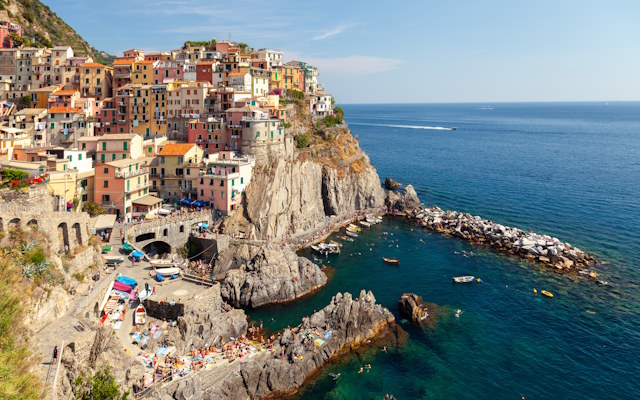
Before
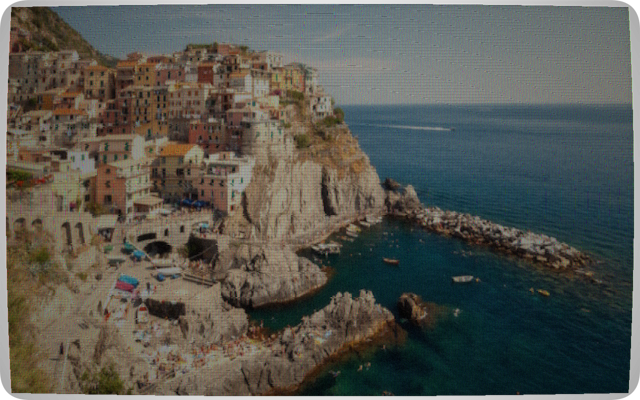
NTSC Colour
Free · in-browser · no upload
Turn any photo into an authentic old CRT TV screen. Scanlines, phosphor glow, barrel distortion, interlace artifacts and noise, all adjustable in real time — free and entirely in your browser.
Open CRT Converter
Getting a convincing result is mostly about starting from the right reference point, then nudging sliders instead of maxing them out:
Everything above happens entirely inside your browser. There's no upload, no server processing and no account your photo never leaves your device, and you can download the converted image in whatever size you need.
Open CRT Converter
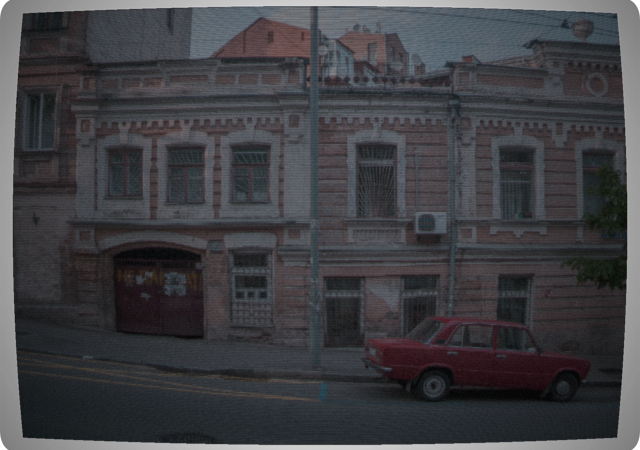
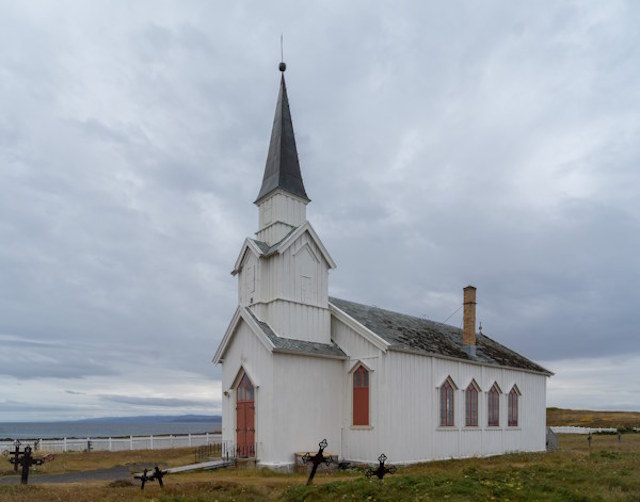
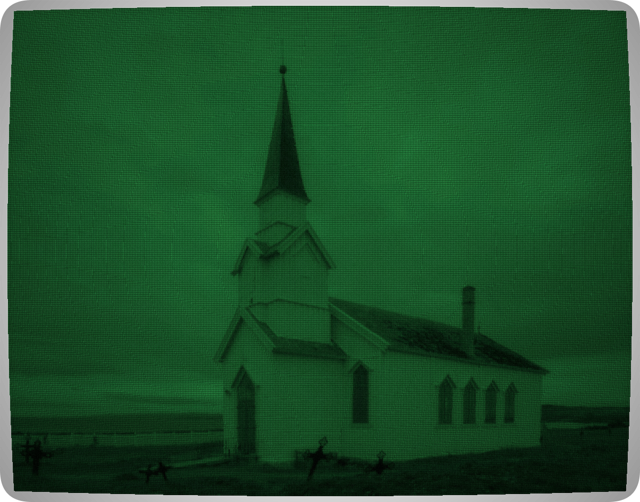
Interlacing was how CRTs avoided flicker without doubling bandwidth. Instead of drawing all lines top-to-bottom in one pass, an interlaced CRT drew two fields per frame: odd-numbered lines first, then even-numbered lines. At 25 fps (PAL) this meant 50 field refreshes per second — fast enough to appear smooth to the eye.
On still images interlacing is invisible. On moving subjects, the two fields captured slightly different moments in time — producing the characteristic comb effect of horizontal teeth along motion edges. The converter simulates this by dimming alternating scan lines, with higher values adding brightness variation between odd and even rows.
At low values (0–20) it adds a subtle shimmer that makes images feel alive. At high values (60+) the comb structure is clearly visible — wrong on a still image, but authentic on video-sourced content. The Soviet and HDTV 1080i presets have high interlace enabled by default for period-accurate results.
Try it yourself →Yes. It's completely free, with no account, no sign-up and no watermark on the exported PNG.
No. All processing happens in your browser using an HTML5 canvas. Your image never leaves your device and nothing is sent to a server.
Yes. It works on any image — game screenshots, thumbnails, album art, avatars and posters. Export at up to 3× resolution so the result stays sharp when scaled.
Open CRT Converter