Retro photo converter

Dot Matrix
Printer Converter

Star LC-10 Draft · NLQ · Photo Colour & B&W Bayer 4×4 Floyd-Steinberg Atkinson

Simulate the Star LC-10 colour dot matrix printer on any photo. Three print quality modes, adjustable ribbon wear, contrast and colour. No upload — runs entirely in your browser.

Open Dot Matrix Converter

How to print your photo through a dot matrix printer

The Star LC-10 built up an image from four ink-soaked pins on a moving head, one pass at a time. These steps walk through the controls that recreate that process.

1
Upload a photo
Drop it onto the paper or click to select. Photos with clear highlights and shadows read best once they're reduced to printer dots.
2
Pick a print mode and density
Draft (9-pin) is fast and coarse with visible horizontal banding, NLQ makes a sharper two-pass print, and Photo (Fine) overlaps dots for a near-continuous tone. Density (60/120/240 DPI) sets how tightly packed those dots are — higher density keeps more detail from the original photo.
3
Choose Colour or Mono ribbon
Colour runs a four-pass cyan/magenta/yellow/black ribbon like the real LC-10, visible as the pass indicator lights up each colour in turn. Mono prints with the black ribbon only, in a single pass.
4
Fine-tune contrast, threshold and ribbon wear
Contrast and Lightness shape the tonal range before dithering. Threshold shifts which mid-tones tip black vs. white. Ribbon wear simulates a fading, unevenly inked ribbon — low values print crisp and dark, high values print patchy and light, the way a real cartridge degrades with use. Colour pop boosts saturation on top of that for a punchier (less period-accurate) look.
5
Pick a dithering algorithm and save
Bayer 4×4 is closest to what the real LC-10 used; Floyd-Steinberg and Atkinson give smoother, less patterned gradients; None is a stark black-and-white threshold. Once it looks right, hit Save Output to download the printed page as a PNG.

Everything above runs locally in your browser. There's no upload, no server processing and no account, your photo never leaves your device.

Open Dot Matrix Converter

Three print modes

Four dithering algorithms

Open Dot Matrix Converter

Conversion examples

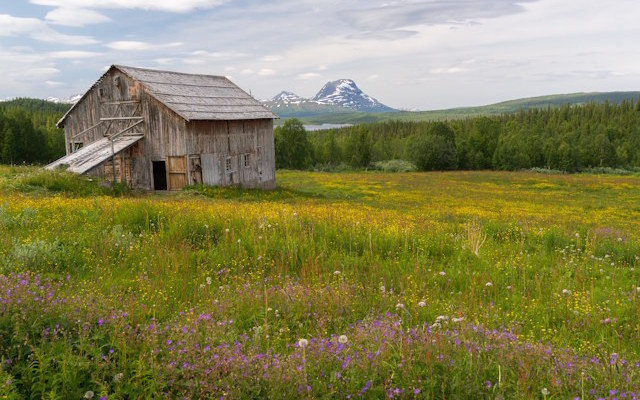
Farmhouse in summer — original photo
Before
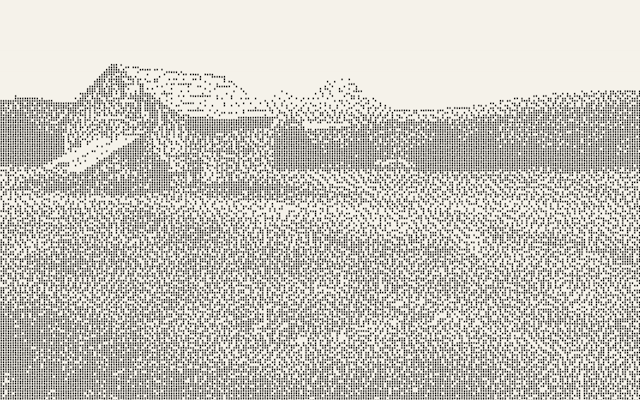
Farmhouse converted to dot matrix draft print
Draft — low quality
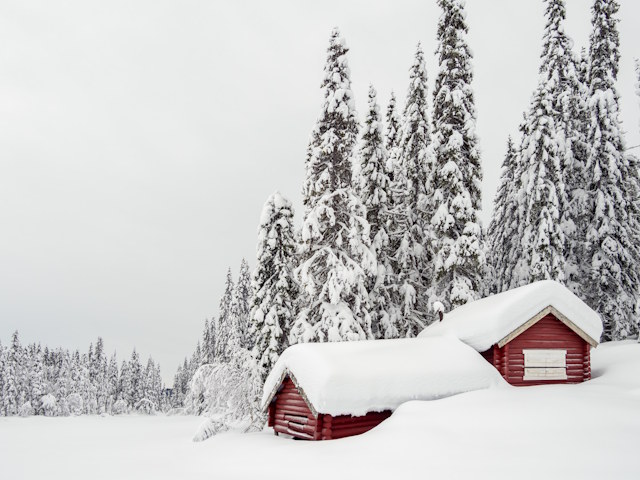
Winter hut — original photo
Before
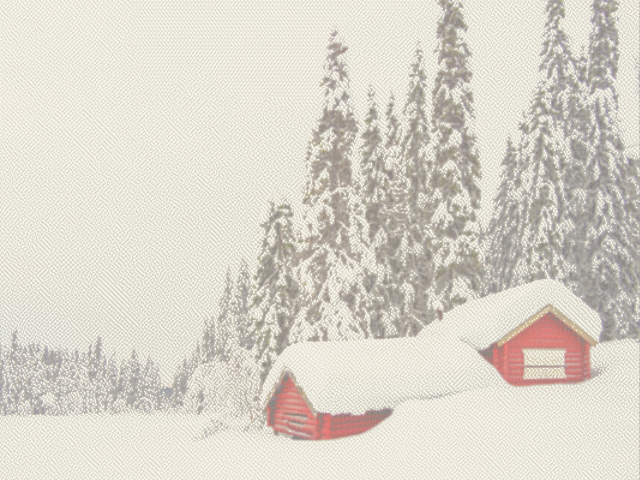
Winter hut converted to dot matrix 120 DPI fine print
120 DPI fine
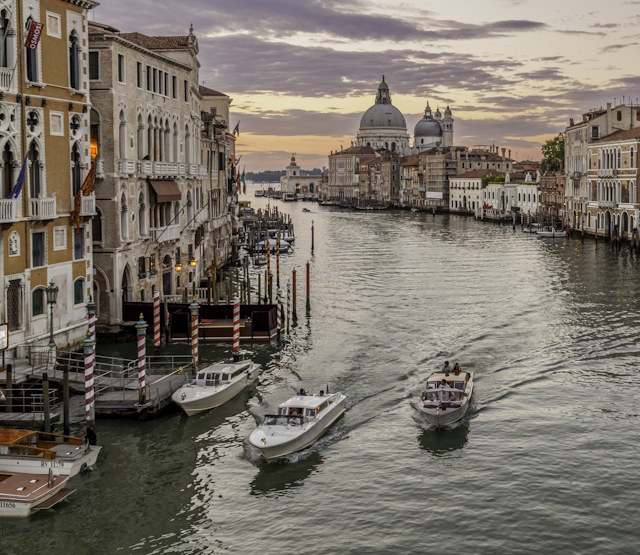
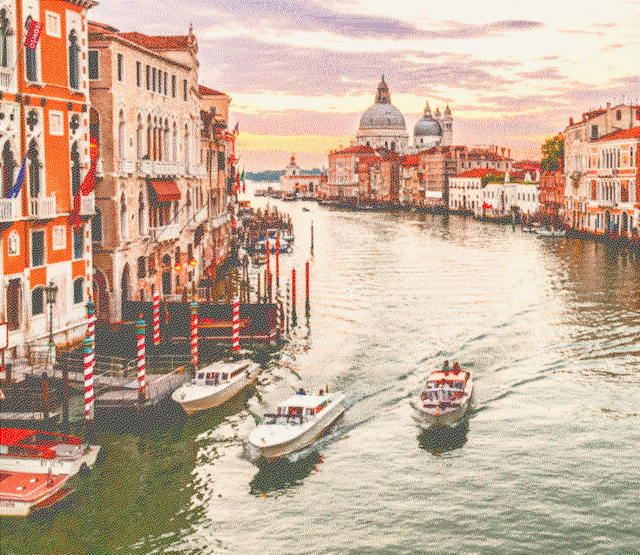
Venice canal — original photo
Before
Venice canal converted to dot matrix 240 DPI photo fine print
240 DPI photo fine
Open Dot Matrix Converter