CRT / Old TV
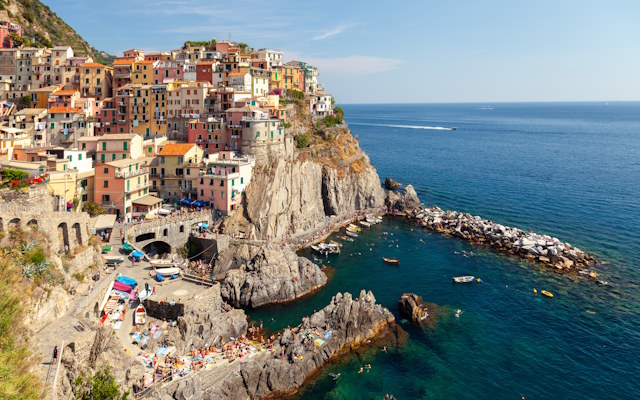
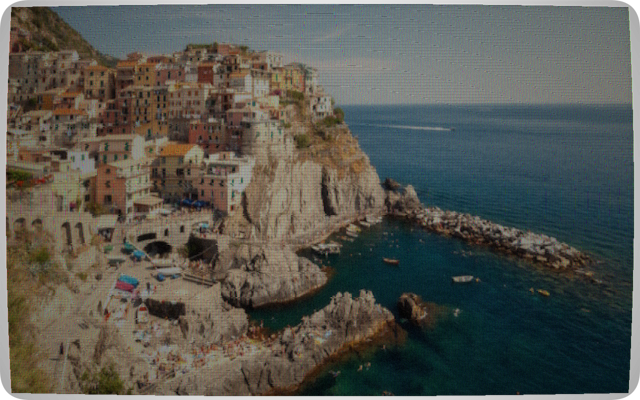
Seven tubes, from NTSC and PAL to Soviet SECAM, P31 green and amber, each with scanlines, phosphor bloom, shadow mask and curved-glass barrel distortion.
Recreate the look of old screens and print
Retro, rendered entirely in your browser.
No upload · No login · No popup · No artificial limits
Seven tubes, from NTSC and PAL to Soviet SECAM, P31 green and amber, each with scanlines, phosphor bloom, shadow mask and curved-glass barrel distortion.
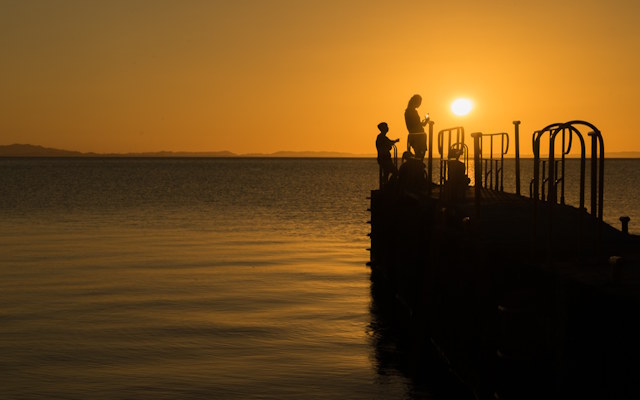
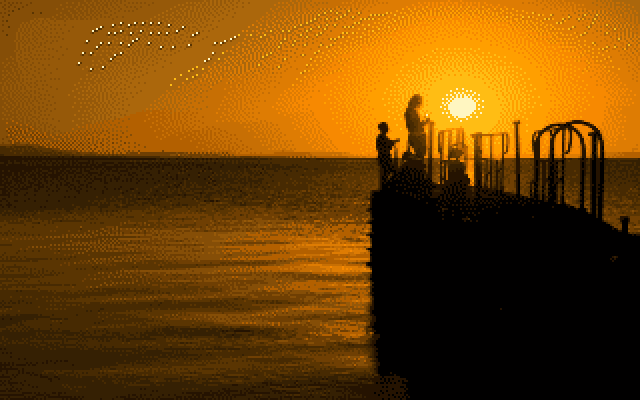
The VIC-II palette holds sixteen colours. Add four dithering algorithms and the genuine per-cell colour limit of the 320×200 hires and 160×200 multicolour bitmap modes.
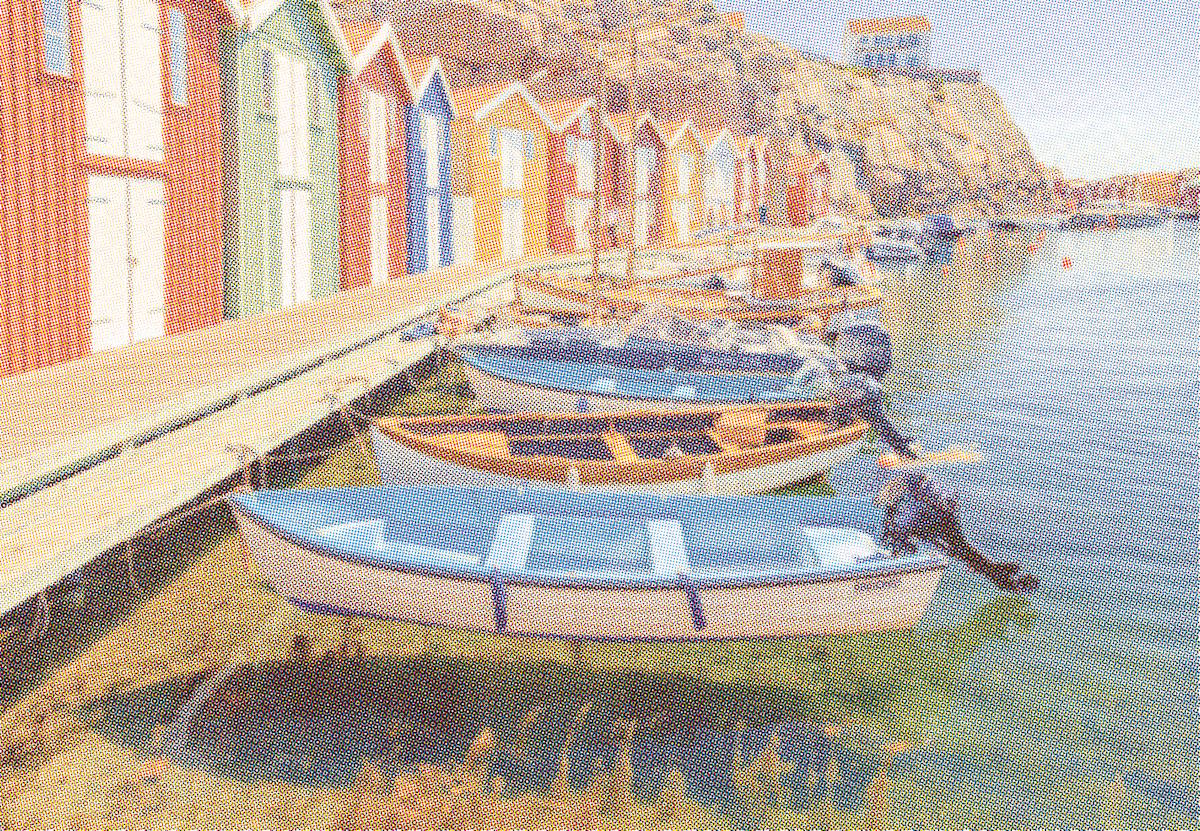
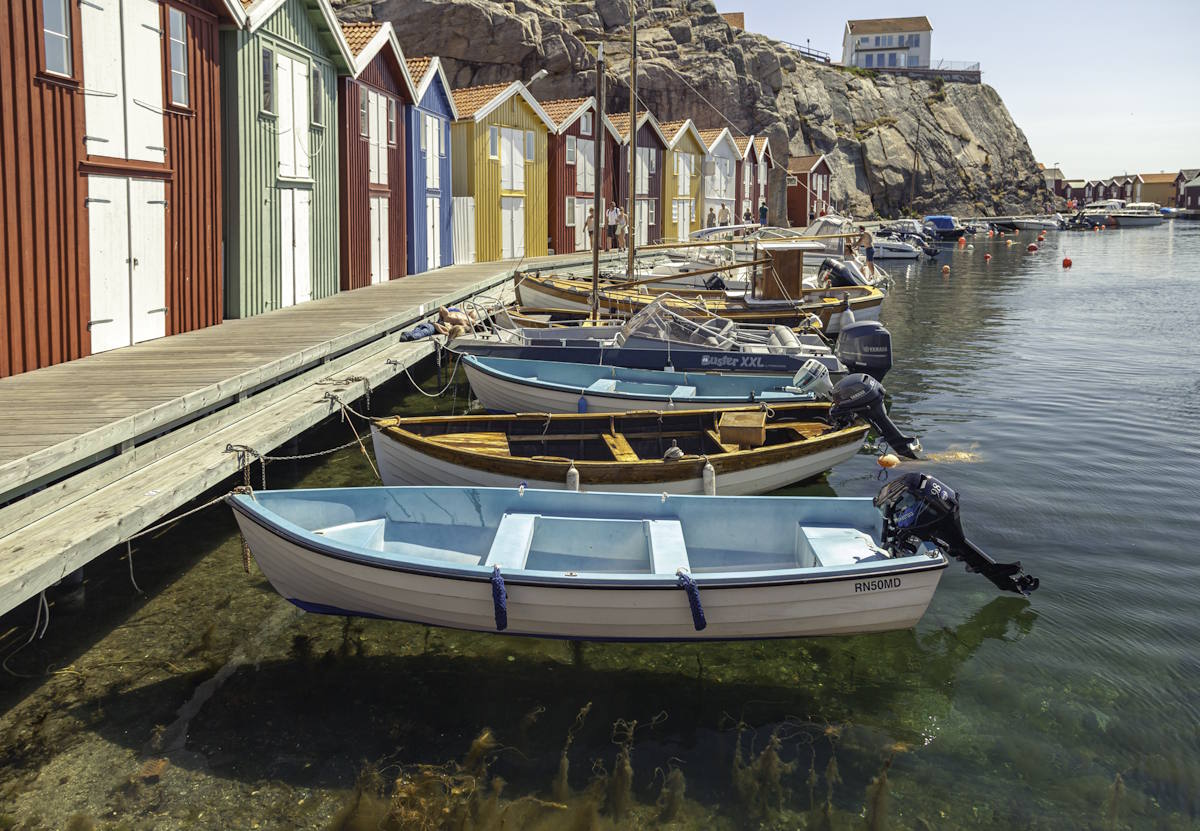
A real print screen with adjustable dot size and screen angle, four dot shapes (circle, square, diamond, cross) and four aged paper stocks.
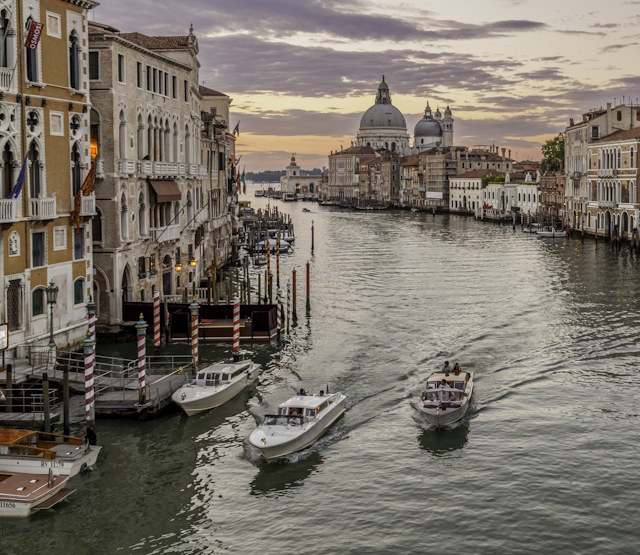
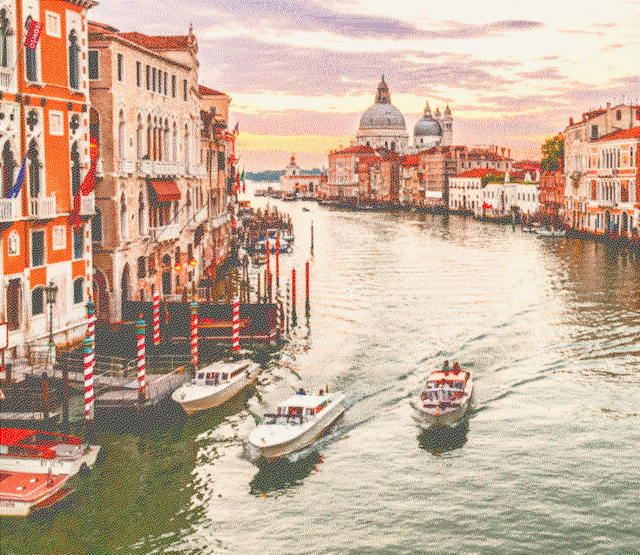
The Star LC-10 colour printer in Draft, NLQ and Photo modes, with nine pins, adjustable ribbon wear, contrast and colour pop, in mono or colour.

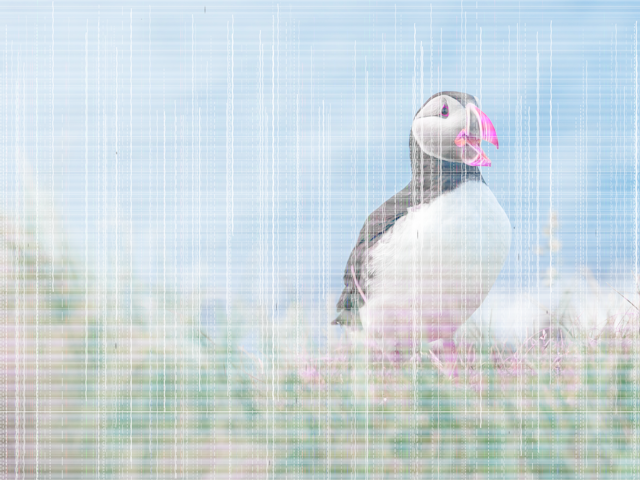
A dying cartridge: streaking, horizontal banding, washed-out colour and whole ink channels dropping out.
Every machine in this collection had the same limit: it could only show a few colours, or nothing but black and white, at low resolution. A photograph carries thousands of smooth tones. Send it straight to that hardware and those tones collapse into a handful of hard steps: flat bands across a sky, blocky skin, fine detail gone. That abrupt, posterised result is what you get with no dithering at all.
Dithering is the way around it. Instead of forcing every pixel to the one nearest available colour, it scatters the colours it does have in a fine pattern and lets your eye do the blending. From a normal viewing distance the eye averages neighbouring dots together and reconstructs a tone the screen or printer cannot actually produce. Denser dark dots read as shadow; sparser dots read as light. It is the same trick a newspaper photo, a comic-book sky and a Game Boy screen all rely on.
That is why the halftone, dot-matrix and Commodore 64 converters each run a dithering pass: it is the only way to pull a believable gradient out of sixteen colours or a single black ribbon. The CRT and low-ink tools work on full-colour pixels instead, so they do not need one.
The four algorithms differ only in how they push the leftover rounding error from each pixel onto its neighbours.
Pushes the full error to four neighbours. Organic, flowing, the best tonal range.
Diffuses only ¾ of the error. Crisp, clean highlights, the original Macintosh look.
A fixed threshold grid, no diffusion. Regular crosshatch, the true computer-era texture.
Hard cut, no grey at all. Maximum stencil / high-contrast graphic effect.
No upload · No login · No popup · No artificial limits